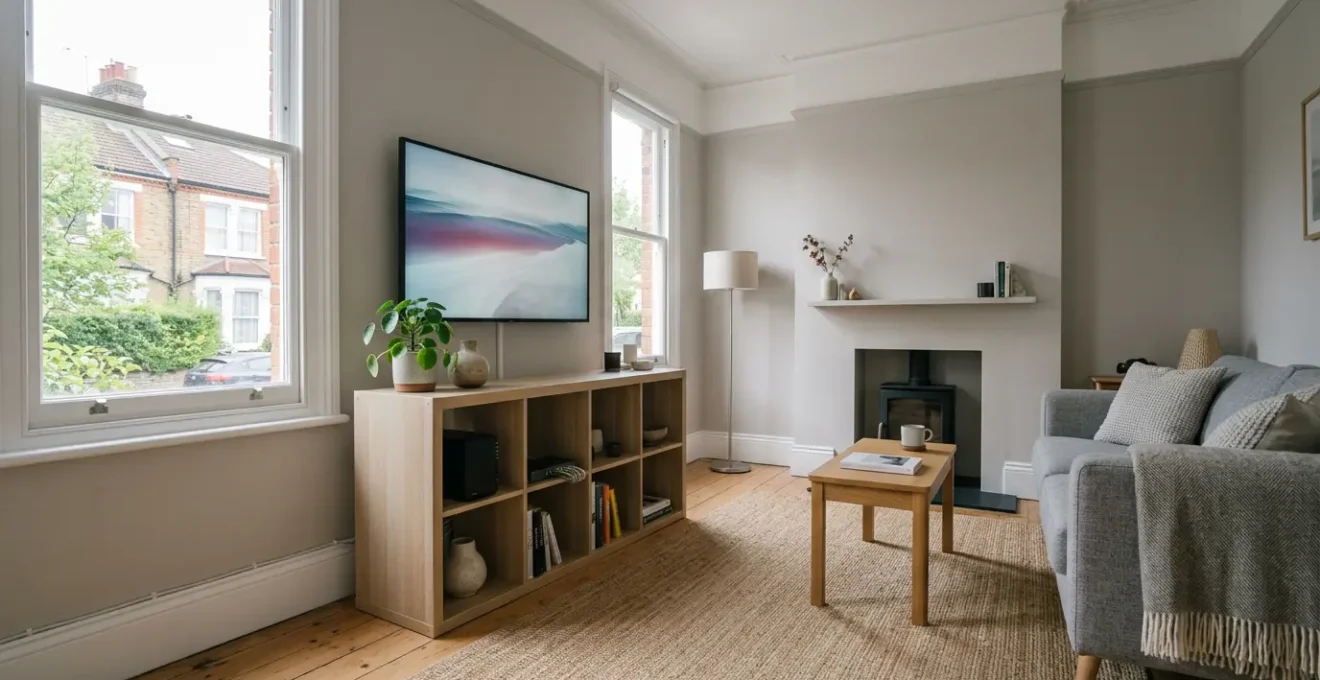
The success of a home media server isn’t measured in terabytes or CPU cores, but by its ‘Partner Acceptance Factor’ (PAF)—its ability to work flawlessly for the least technical person in your UK household.
- Prioritise user experience (Plex/Jellyfin) and quiet, low-power hardware over raw specifications to ensure the server is a welcome addition to the home.
- Treat your network as essential plumbing; solid brick walls in UK homes demand specific solutions like Powerline adapters, not just a better Wi-Fi router.
Recommendation: Stop thinking like a tech enthusiast building a project and start acting like a home architect designing a reliable utility that values data permanence and family usability above all else.
You’ve done it. You’ve ripped your Blu-ray collection, downloaded years of family photos from a dozen different cloud services, and consolidated your music library. The dream of a single, unified library, free from the tyranny of multiple streaming subscriptions, is within reach. The common advice is to just buy a pre-built NAS box, install Plex, and call it a day. Many guides will debate the merits of different hard drives or the raw power needed for 4K transcoding. But they all miss the most critical point.
The real challenge isn’t technical; it’s human. It’s the moment your partner, trying to watch a show in the back bedroom, is met with a buffering wheel. It’s your parents, visiting for the weekend, being baffled by a complex interface on the TV. If your media server requires a support call to you every time someone wants to use it, it has failed. The ultimate metric for success is what we call the Partner Acceptance Factor (PAF): the server’s ability to be an invisible, reliable utility that just works, for everyone.
But what if the key wasn’t just choosing the right software, but architecting the entire system—from file formats to network infrastructure—around the unique challenges of a typical UK home? This guide re-frames the process. We will move beyond generic advice and focus on building a robust ‘Household Content Utility’, one that respects the realities of UK electricity prices, solid Victorian walls, and the all-important goal of family harmony.
This article provides a comprehensive roadmap for architecting a media server that not only consolidates your content but also integrates seamlessly into your family’s daily life. We’ll explore everything from smart storage management and software choices to silent hardware and foolproof backup strategies, all tailored for the UK context.
Summary: Architecting Your UK Home Media Utility
- Why Does Your 2TB NAS Fill Up After Only 200 Movies in 4K?
- How to Choose Between Plex, Jellyfin and Emby for a Non-Technical UK Household?
- Old PC or Purpose-Built NAS: Which Runs Quieter in a UK Living Room?
- The No-Backup Mistake That Loses 10 Years of Family Videos When a Drive Fails
- When Do UK Retailers Discount NAS Drives and Server Components Most Heavily?
- Why Does Your Smart Speaker Lose Connection in the Back Bedroom?
- When Should You Upgrade Your UK Broadband to Support Whole-Home Lossless Streaming?
- How to Stream Lossless Audio Without Buffering on UK Home Broadband?
Why Does Your 2TB NAS Fill Up After Only 200 Movies in 4K?
The first shock for any new media server architect is the sheer, brutal reality of file sizes. A single 4K movie can easily consume 50-60GB of space, meaning your shiny new 2TB drive is functionally full after just a couple of dozen films, not the hundreds you imagined. The knee-jerk reaction is to simply buy more, or bigger, hard drives. This is a losing battle. The key to sustainable storage isn’t capacity, but intelligent compression and content triage.
The most significant weapon in your arsenal is the video codec. Most digital content still uses the H.264 (AVC) standard. However, the newer H.265 (HEVC) codec is a game-changer. It offers virtually identical visual quality at a fraction of the file size. In fact, studies show that H.265 can achieve up to a 50% reduction in bandwidth and storage requirements compared to its predecessor. Actively seeking out or re-encoding your largest files to HEVC is the single most effective way to manage your library’s growth without sacrificing quality.
Beyond codecs, you need a strategy. Not all content is created equal. A blockbuster 4K film deserves the highest quality, but does a 22-minute episode of a sitcom you’ll watch once? A content triage strategy is essential:
- 4K Blockbuster Movies: These are your crown jewels. Store them in the H.265/HEVC format to get the best quality-to-size ratio. This can result in a 40-65% smaller file size compared to H.264 for the same film.
- TV Series: For most television, 1080p resolution is more than adequate. Using H.264 here is acceptable as the compression savings are less dramatic at lower resolutions.
- Family Videos: These are irreplaceable. The priority here is authenticity, not space-saving. Keep them in their original format, as captured by your phone, to preserve the memory without risking quality loss from re-encoding.
Finally, your media server software itself consumes space with metadata, particularly video preview thumbnails. Configuring Plex or Jellyfin to generate these thumbnails less frequently or for a shorter duration can reclaim a surprising 10-20% of your drive’s capacity from this ‘hidden’ data consumption.
How to Choose Between Plex, Jellyfin and Emby for a Non-Technical UK Household?
Once your content is organised, you need a user-friendly ‘front door’ for your family to access it. This is where the media server software comes in, and the three main contenders are Plex, Jellyfin, and Emby. For the tech enthusiast, the debate often revolves around features, transcoding performance, and customisation. But for a non-technical UK household, the only metric that matters is the « Grandparent Test »: can a user, with zero prior knowledge, pick up the TV remote and find and play what they want without assistance?
Plex is the market leader and often wins the Grandparent Test by default. Its interface is polished, intuitive, and closely mimics the experience of mainstream services like Netflix. It has wide-ranging app support across smart TVs, streaming sticks, and game consoles commonly found in UK homes. The trade-off is its commercial nature; some of the best features, like mobile sync and hardware transcoding, are locked behind a paid ‘Plex Pass’, and all traffic is routed through Plex’s servers, which is a privacy consideration for some.
Jellyfin is the open-source, completely free alternative. It offers incredible power and customisation, with no features hidden behind a paywall. For the privacy-conscious, it’s the ideal choice as your server is entirely self-contained. However, this comes at the cost of polish. While constantly improving, its interface can feel less intuitive than Plex’s, and app support, particularly on older smart TVs, can be less reliable. It may not pass the Grandparent Test out of the box without some initial guidance.
Emby sits in a middle ground, offering a similar polished experience to Plex but with a different pricing model and a history that’s closer to the open-source community. It’s a solid choice, but for most households, the decision simplifies to a direct trade-off: the plug-and-play simplicity of Plex versus the privacy and cost-free nature of Jellyfin. The best approach is to install both Plex and Jellyfin, populate them with a small selection of content, and have your family members try both. Their feedback is more valuable than any online review.

Ultimately, the goal is an interface that feels as comfortable and familiar as the TV remote itself. The right software is the one that disappears, leaving only the content and an effortless way to access it, thereby achieving the highest possible Partner Acceptance Factor (PAF).
Old PC or Purpose-Built NAS: Which Runs Quieter in a UK Living Room?
With your software chosen, the question of hardware arises. Do you repurpose that old desktop PC gathering dust, or invest in a purpose-built Network Attached Storage (NAS) device from a brand like Synology or QNAP? The enthusiast in you might see the power of the old PC’s i5 processor as a clear winner for transcoding. But the home architect must consider two far more critical factors in a UK living room: noise and electricity cost.
An old desktop PC is often a symphony of whirring fans—CPU, GPU, power supply, and case fans all contributing to a constant hum. This is the antithesis of high Partner Acceptance Factor (PAF). A purpose-built NAS, designed for ‘always-on’ operation, is typically engineered for near-silent running, with a single, large, slow-spinning fan. Furthermore, the electricity cost difference is staggering. An idle NAS might consume 15W, while a repurposed desktop can easily draw 80W or more. Given the volatility of UK energy prices, this difference is significant; according to current UK electricity rates, the annual running cost could be £15-£25 for a NAS versus £150 or more for the PC.
This doesn’t mean a PC is never the right choice, but it requires careful placement. The ideal location for any server is out of sight and out of mind. A UK home offers several unique opportunities:
- Under the stairs cupboard: The classic solution in terraced or semi-detached homes. It provides excellent sound insulation, but ensure ventilation with a small, quiet USB fan to keep temperatures stable.
- IKEA KALLAX unit: A compact NAS like a Synology DS423+ can be discreetly housed in a popular KALLAX shelving unit, hiding it in plain sight in the living room.
- Stylish Cases: If building a PC, invest in a case designed for home theatre use, such as the Fractal Design Node 304, available from UK retailers like Scan.co.uk. These offer whisper-quiet operation and an aesthetic that blends into a living room environment.
–
Finally, never underestimate the visual impact. Messy cables are a major PAF-killer. Use adhesive cable clips from budget stores like Poundland or B&M to route Ethernet and power cables neatly along skirting boards. A tidy installation is a trusted installation.
The No-Backup Mistake That Loses 10 Years of Family Videos When a Drive Fails
Your media server is now running, filled with movies, music, and—most importantly—a decade of irreplaceable family videos and photos. It is now the single most valuable digital asset in your home. This concentration of data creates a single, catastrophic point of failure. The most common and devastating mistake a new server architect can make is to confuse RAID (Redundant Array of Independent Disks) with a backup. RAID is not a backup. RAID protects you from a single drive failure; it does nothing to protect you from accidental deletion, a software bug, a fire, theft, or a ransomware attack that encrypts all your files.
To truly protect your memories, you must embrace the concept of Data Permanence. This is achieved by following the industry-standard 3-2-1 backup rule. As data protection experts Commvault state:
The 3-2-1 backup rule is a widely recommended best practice to enable data reliability and protection in modern IT environments.
– Commvault, 3-2-1 Backup Rule Guide
This isn’t an abstract corporate strategy; it’s a simple, actionable plan for your home. It means having 3 copies of your data, on 2 different types of media, with 1 copy off-site. Here is how to implement it in a practical, UK-centric way.
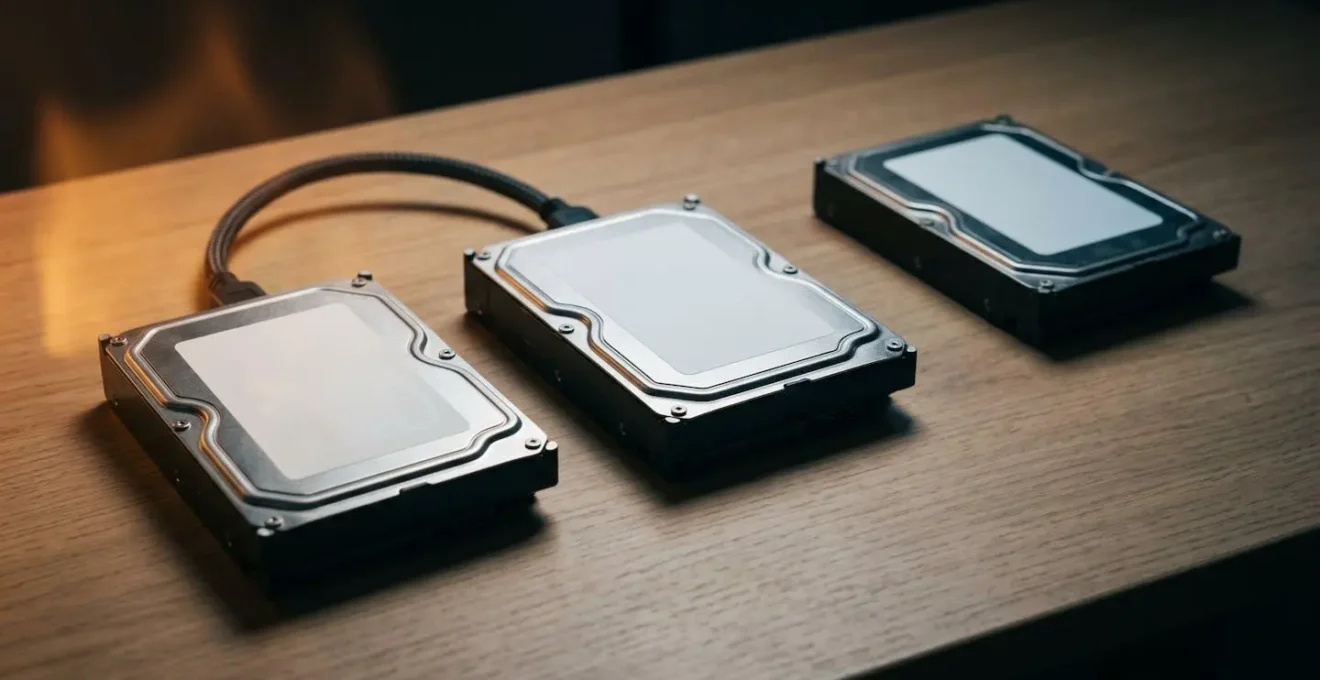
Action Plan: Implementing the 3-2-1 Backup Rule in a UK Household
- Create 3 Copies: Your primary NAS data is copy one. You need two more. This strategy protects you against hardware failure, ransomware, and the classic « oops, I deleted the wrong folder » disaster.
- Use 2 Media Types: Your second copy should be on a different physical medium. A simple and effective method is an external USB hard drive (e.g., a WD Elements 4TB from Argos or Currys for around £80-£100) connected to your NAS for scheduled, on-site backups.
- Keep 1 Copy Off-Site: Your third copy must be physically separate from your home. This is your defence against fire or theft. Compare UK-based cloud services like Livedrive (which offers GDPR compliance and potentially faster UK upload speeds) with international players like Backblaze B2. For 1-2TB of essential data, this typically costs £6-£10 per month.
- Automate Everything: The best backup is one you don’t have to think about. Use your NAS’s built-in software (like Synology Hyper Backup) to schedule automatic, nightly backups to your USB drive and your cloud service at 2 AM, when the network is quiet. Configure email alerts for failures.
- Test Your Restores: A backup is only a backup if you can restore from it. Once a quarter, perform a recovery drill. Try to restore a random folder of family photos from your USB drive and your cloud backup. This five-minute check verifies your entire strategy is working before a real crisis hits.
When Do UK Retailers Discount NAS Drives and Server Components Most Heavily?
Architecting a robust media server doesn’t have to break the bank. For the savvy UK enthusiast, timing your purchases strategically can lead to significant savings. The hardware market follows a predictable annual cycle, and knowing when to buy can free up budget for more storage or a better processor. Patience is a virtue that pays dividends.
The most significant discounts are clustered around major retail events. You should mark your calendar and set up price alerts well in advance. The key periods for bargains on NAS enclosures, hard drives, and other components are:
- Black Friday/Cyber Monday (Late November): This is the main event. Expect the deepest discounts of the year, often 20-40% off NAS enclosures and drives from major UK retailers like Amazon UK, Scan.co.uk, and Currys.
- Amazon Prime Day (Typically July): An excellent opportunity for those with a Prime membership to find strong discounts on consumer-focused hardware, particularly WD Red drives and entry-level Synology NAS models.
- January Sales (Post-Christmas): As retailers clear out the previous year’s stock, this is a great time to find clearance deals of 15-30% off at online specialists like Ebuyer and Overclockers UK.
Beyond these major sales, proactive bargain-hunting can yield great results. Signing up for ‘deal of the day’ emails from retailers like Scan.co.uk with keyword alerts for « NAS » or « WD Red » can be effective. However, the most powerful tool in the UK is the community-driven site HotUKDeals.com. Creating keyword alerts here will notify you the moment anyone in the community spots a price drop from any UK vendor, often before it’s widely advertised.
Case Study: The Ex-Corporate Hardware Strategy
A popular strategy within the UK home server community involves using ex-corporate hardware. Many users build highly effective and budget-friendly servers using used Dell Optiplex PCs, often purchased for £80-£150 on eBay.co.uk or Facebook Marketplace. The key is to target business liquidation sales to find well-maintained machines. Before buying, it’s critical to verify the health of the included hard drives by checking their SMART data. Ask the seller for a screenshot from a tool like CrystalDiskInfo, verifying that the ‘Reallocated Sector Count’ is zero and ‘Power-On Hours’ are reasonably low (ideally under 20,000). This approach allows you to acquire enterprise-grade reliability for a consumer-level price.
Why Does Your Smart Speaker Lose Connection in the Back Bedroom?
You’ve built a perfect server, but the system is only as strong as its weakest link. For 90% of households, that weak link is the internal network—the ‘plumbing’ that carries the data from your server to the screen. A common complaint is perfect streaming in the living room but constant buffering in a back bedroom or a smart speaker that constantly drops its connection in the kitchen. This is rarely the fault of the server itself; it’s a network plumbing problem, and UK homes present unique challenges.
The solid brick walls of Victorian, Edwardian, and even 1930s semi-detached houses are kryptonite to standard Wi-Fi signals. A single internal brick wall can be 23cm thick, absorbing and reflecting signals far more effectively than the plasterboard walls of more modern constructions. Simply buying a more powerful Wi-Fi router is often a waste of money. The solution is to bypass the problem wall entirely. Your strategy must be tailored to your house type:
- Victorian/Edwardian Terrace (Solid Brick Walls): In this scenario, Powerline adapters are your most reliable solution. A kit like the TP-Link TL-PA7017P (around £60 from Argos) uses your home’s existing electrical wiring to create a high-speed network connection, effectively creating a wired port in any room without running new cables.
- Modern Open-Plan Extension: Here, where sightlines are clear and walls are few, a Mesh Wi-Fi system (like a TP-Link Deco M4 3-pack for £80) is ideal. Placing nodes in the living room, kitchen, and hallway creates a seamless blanket of coverage.
- 1930s Semi-Detached (Brick Internals): If your home has old, unused coaxial TV aerial points, MoCA (Multimedia over Coax Alliance) adapters can be a revelation. They repurpose this old cabling to deliver wired-equivalent speeds of up to 2.5Gbps.
Regardless of your home’s layout, there is one golden rule: your media server must be connected directly to your router via an Ethernet cable. Relying on Wi-Fi for the server connection itself introduces a massive point of instability. A 20-metre, outdoor-rated Cat6 cable from Screwfix costs around £15 and can eliminate 90% of buffering complaints from your family. This is the single most important piece of network plumbing you can install.
When Should You Upgrade Your UK Broadband to Support Whole-Home Lossless Streaming?
Once you have perfected your internal network plumbing, your attention may turn to the connection leaving your house: your broadband. It’s a common assumption that faster broadband is always better for streaming. However, for streaming *within* your home from your own server, your broadband speed is almost entirely irrelevant. The critical distinction to make is between internal (in-home) and external (remote) access.
If your goal is simply to stream to every TV, tablet, and speaker within your own four walls, even a basic 30 Mbps fibre-to-the-cabinet (FTTC) connection is more than sufficient. The bottleneck will always be your internal Wi-Fi or Ethernet. However, the moment you want to access your library from outside your home—on your phone during your commute, or on a laptop in a hotel—your upload speed becomes the single most important factor. This is where most standard UK broadband packages fall down. The vast majority of plans from major providers like BT, Sky, and TalkTalk are asymmetric; they give you a high download speed but a comparatively tiny upload speed. It’s common to have 70 Mbps down but only 10-20 Mbps up.
A single 1080p stream requires about 10 Mbps of sustained upload speed; a 4K HDR stream can demand 25 Mbps or more. Therefore, you should only consider upgrading your broadband package if you are a heavy remote user. The key is to move from FTTC to a full fibre-to-the-premises (FTTP) connection. A comparison shows FTTC plans typically offer 10-20 Mbps upload vs FTTP’s 50-900 Mbps upload. You can check your postcode’s availability on the Openreach and CityFibre websites. An FTTP upgrade often only costs an extra £5-£10 per month but unlocks a symmetrical connection that can be ten times faster for uploads, making remote streaming flawless.
Before you commit to a new 24-month contract, however, consider the router provided by your ISP. The free hubs supplied by BT, Sky, and Virgin are often the cause of in-home buffering issues. Investing £70 in a superior third-party router like a TP-Link Archer AX53 can often solve all your internal streaming problems for a one-time cost, versus the recurring expense of a broadband upgrade you may not actually need.
Key Takeaways
- A successful media server is judged by its usability for non-technical family members (the ‘Partner Acceptance Factor’), not by its technical specifications.
- UK homes with solid brick walls require specific network solutions like Powerline adapters; a powerful Wi-Fi router alone is often not enough.
- A robust 3-2-1 backup strategy (3 copies, 2 media, 1 off-site) is non-negotiable to protect irreplaceable family memories, as RAID does not equal backup.
How to Stream Lossless Audio Without Buffering on UK Home Broadband?
For the music aficionado, one of the great joys of a media server is consolidating a lifetime’s collection of lossless audio files (like FLAC). However, this can introduce a new and frustrating source of buffering, especially when listening on the go. The first step is to diagnose the problem correctly: is the buffering happening inside your house or outside?
If an older smart speaker in your kitchen stutters when playing a FLAC file but your modern smartphone plays it perfectly fine in the same room, the issue is likely the speaker’s own processor. Older or cheaper client devices can struggle to decode the high-bitrate data of a lossless file in real-time. The solution here isn’t a network one, but a device one. However, if all devices buffer on your home Wi-Fi, you have an internal network plumbing issue to solve first.
If playback is perfect at home but stutters the moment you leave the house, the problem is your broadband upload speed. A single FLAC stream can require a consistent 1 Mbps (1000 kbps) of upload bandwidth. While this sounds small, it can be a challenge for patchy mobile signals or the notoriously poor Wi-Fi on UK trains. This is where your server’s transcoding capability becomes a powerful tool. In your Plex or Jellyfin server settings, you can instruct it to ‘Convert Automatically’ for remote streams. The server will then, on-the-fly, transcode a high-bitrate FLAC file into a highly efficient Opus file at around 320kbps. This is the magic bullet for mobile listening.
The Opus codec is remarkable; in blind listening tests, Opus at 320kbps is virtually indistinguishable from lossless FLAC for most people, yet it uses 70% less bandwidth. This drastic reduction is the difference between constant rebuffering on a busy LNER train journey and an uninterrupted listening experience. It’s a pragmatic compromise that prioritises a smooth, reliable stream over absolute theoretical quality in a hostile network environment. Architecting your server to make this conversion automatically is a hallmark of a well-designed Household Content Utility.
By shifting your perspective from that of a hobbyist to a home architect, you can build a system that transcends its technical parts. The goal is not a powerful box of blinking lights, but an invisible, dependable utility that consolidates your family’s digital life and makes it accessible to everyone, effortlessly. That is the true measure of a successful media server.